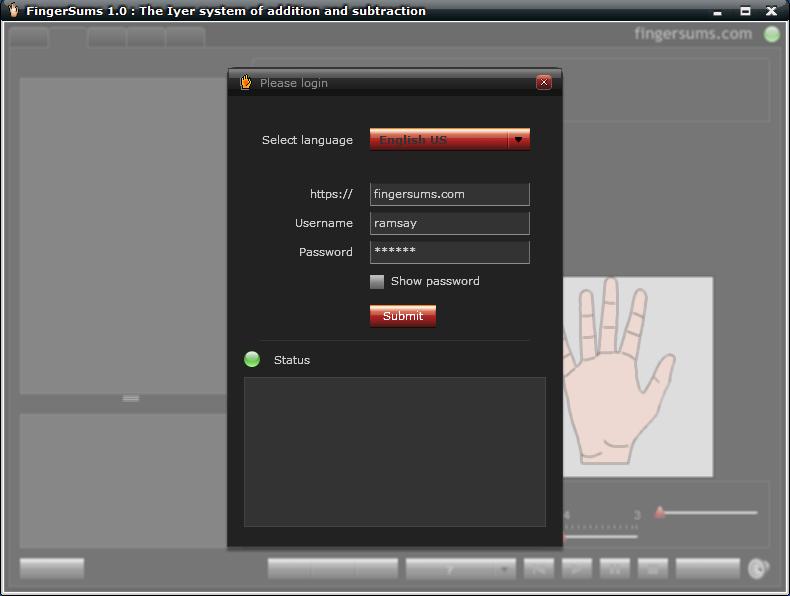
The Login screen: You can select your preferred language before you login. You can download as many languages as are available. While connecting to the FingerSums server, the Status section displays messages.
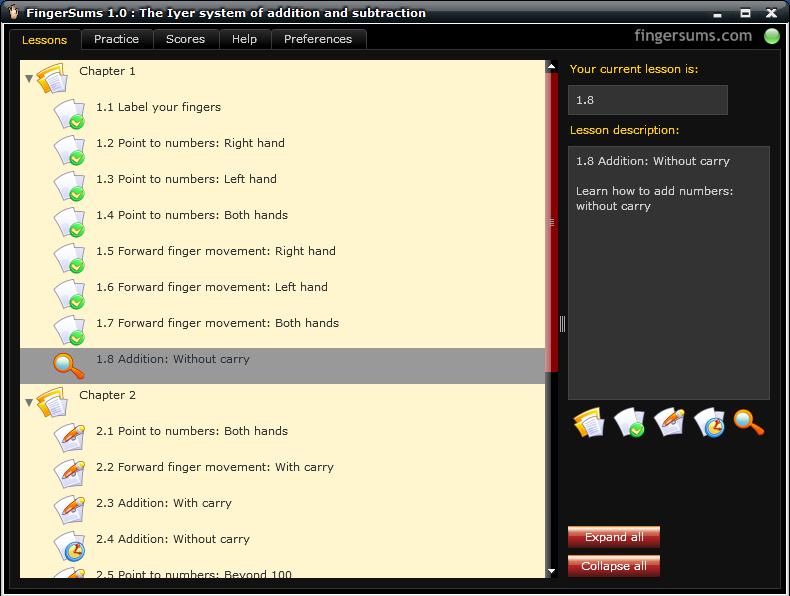
The Lessons screen shows you all the lessons in FingerSums training. The icon with a green circle means that you have completed the lesson.
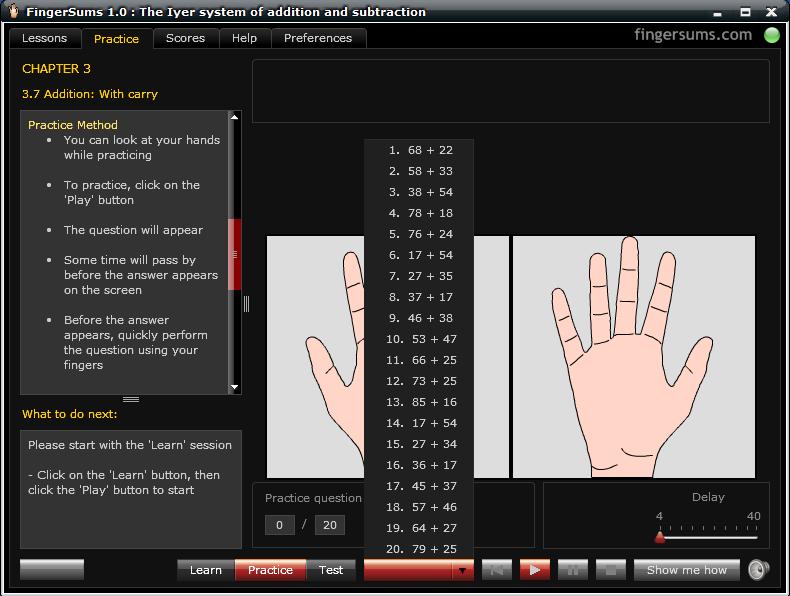
The Practice screen uses animation to teach you the FingerSums technique; the "Delay" slider allows you to increase or decrease the animation speed. After learning the method, you can then practice various questions, the picture show 20 questions to choose from. Finally, you can test yourself by clicking on the "Test" button at the bottom.
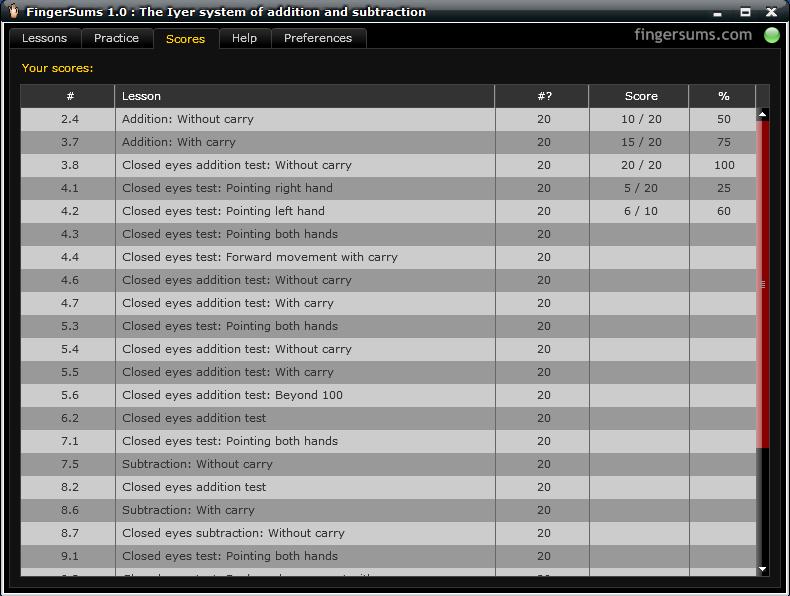
The Scores screen displays your test scores. Many lessons have tests that you take after learning and practising the technique. You can view your test scores anytime.
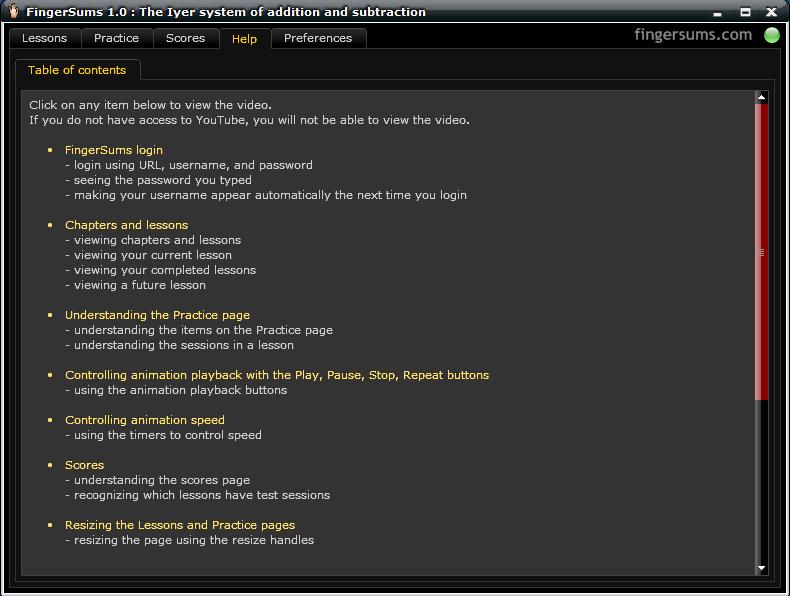
The Help screen displays videos on how to use the FingerSums software
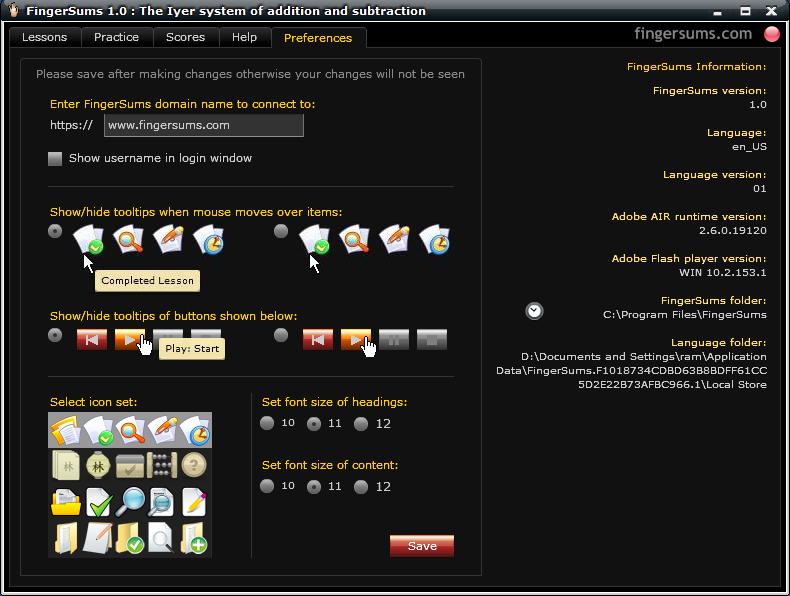
The Preferences screen allows you to customize FingerSums app. It also displays information about the FingerSums installation